Sales Signals on your home screen
Release 0.47
A notification is useful only if it reaches you where you can act on it. Release 0.47 makes Sales Signals installable on phones and desktops, bringing the application closer to the way people already use their other apps.
Sales Signals can now be installed on phones and desktops. Select Install in the application, and it gets its own icon and opens in a dedicated window, without the browser’s usual tabs and toolbars.
This also makes Sales Signals easier to keep within reach. The alerts introduced in September — a known client calling or a call waiting for review — can arrive as system notifications even when the application window isn’t open, provided notifications are enabled. On iPhone, installation is required for web push notifications to work.
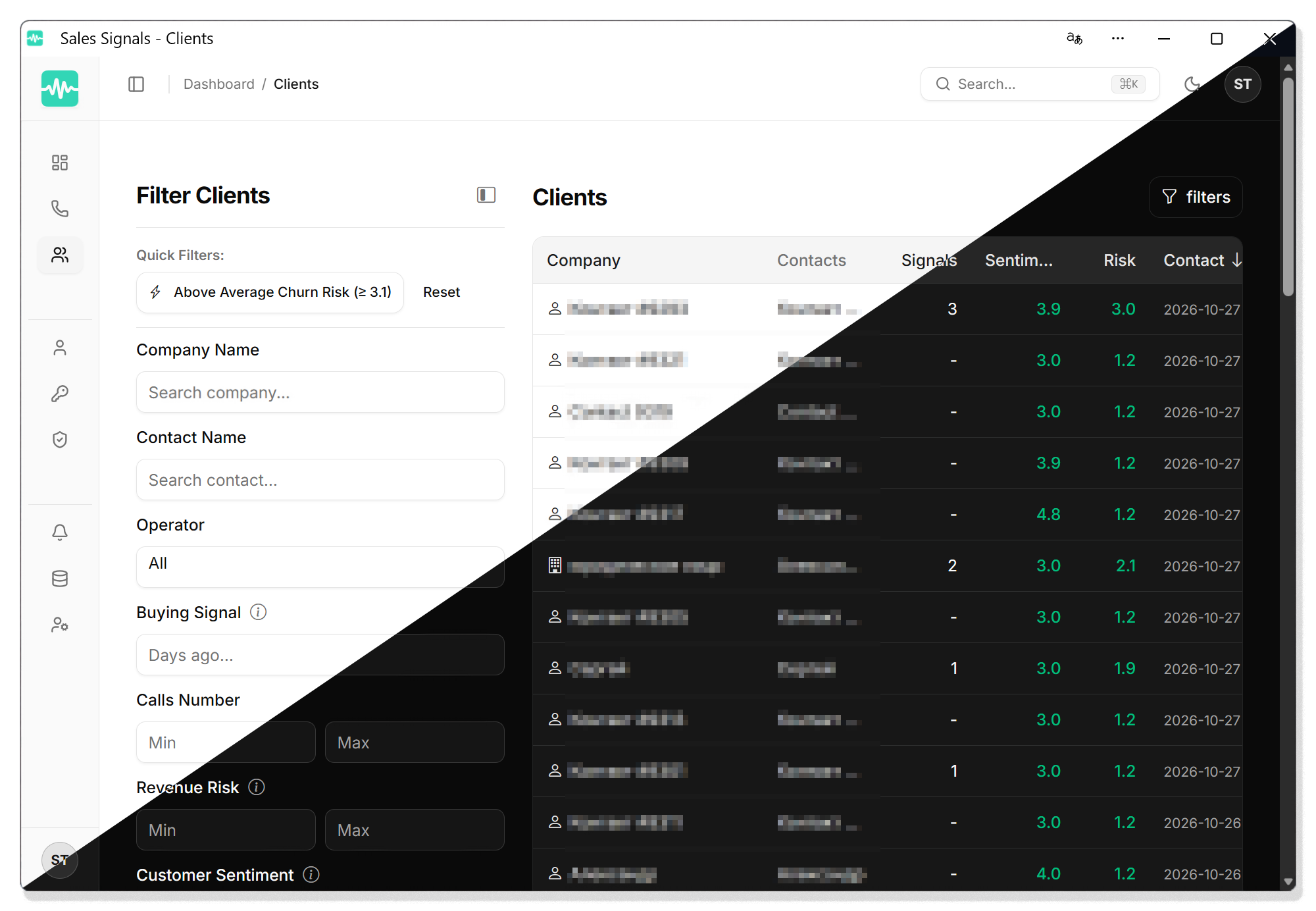
The installed and browser versions are the same application. They use the same account and show the same data.
Latest Updates
See it on your own calls
Sales Signals is in early access. Join the waitlist for monthly product updates while we build, and first access when we open the doors.
Manage a sales team and want it on your own calls? Book a demo